
Creators×Connect
CRECO breaks down the boundaries of creation and provides
a new collaborative environment where creators connect as one
BOOKPAL, StorySoop, EXTEN, NEXT LEVEL Studio, VODIOO, ANTSTUDIO, STORYPUNCH, KWIA, CONTENTS LAB. BLUE
An extra 10% off for CRECO partners
A benefit for studios and companies using CRECO as a team.









FREE + 20%
Total value of 30,240 KRW per seat
“Which one is the final version?”
Stop getting lost in blogs and messengers
Now you can create versions with a single click and share your latest work transparently with just one link.
Bring fragmented communication together and dramatically cut communication costs.
Without switching tabs,
see it all at a glance
Compare deliverables by process at a glance.
The time wasted opening files is dramatically reduced.






“When I first tried CRECO, it felt incredibly well optimized.”
 ANTSTUDIO, Color Team Lead
“It's like moving from old office tools to Google Docs and Sheets.”
 BOOKPAL PD Team
“I love that it brings many artists together in one place.”
 StorySoop PD Team
“A tool that keeps our production insights in sync.”
 EXTEN Studio
“The comparison mode is perfect for webtoon work.”
 EXTEN Studio, Coloring Team Lead
“I could split permissions from line art to typesetting and editing.”
 StorySoop PD Team
“CRECO is an innovation in webtoon production.”
 ANTSTUDIO
“For any webtoon studio, I highly recommend CRECO.”
 EXTEN Studio, Admin
“Like Slack, I hope CRECO becomes a staple too.”
 BOOKPAL PD Team
“CRECO is like Figma made just for webtoons.”
 StorySoop PD Team
Viewer-based feedback
optimized for webtoon production
Text and simple images have limits in conveying precise intent.
Experience a level of completeness that satisfies both creators and readers with viewer-based feedback optimized for the webtoon production process.
Episode workflow management for
100% better communication
Reduce communication costs through episode workflow management
and maximize your studio's expertise and quality.
Assistant
Shading Generation
Leave repetitive tasks to the assistant.
CRECO uses an AI model that does not train on your data.


Overwhelming efficiency
that never breaks your flow
Connect fragmented processes into one
to match your pace with your thoughts
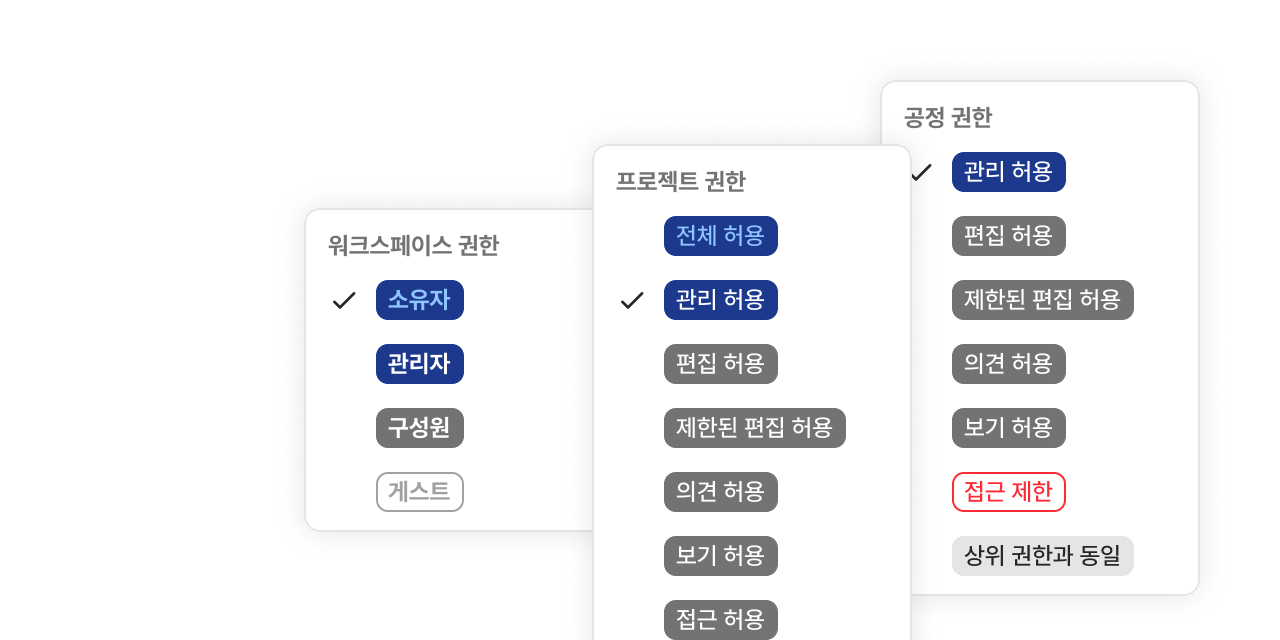
Granular permission management
Set fine-grained access permissions per member to safely protect and manage your valuable project information
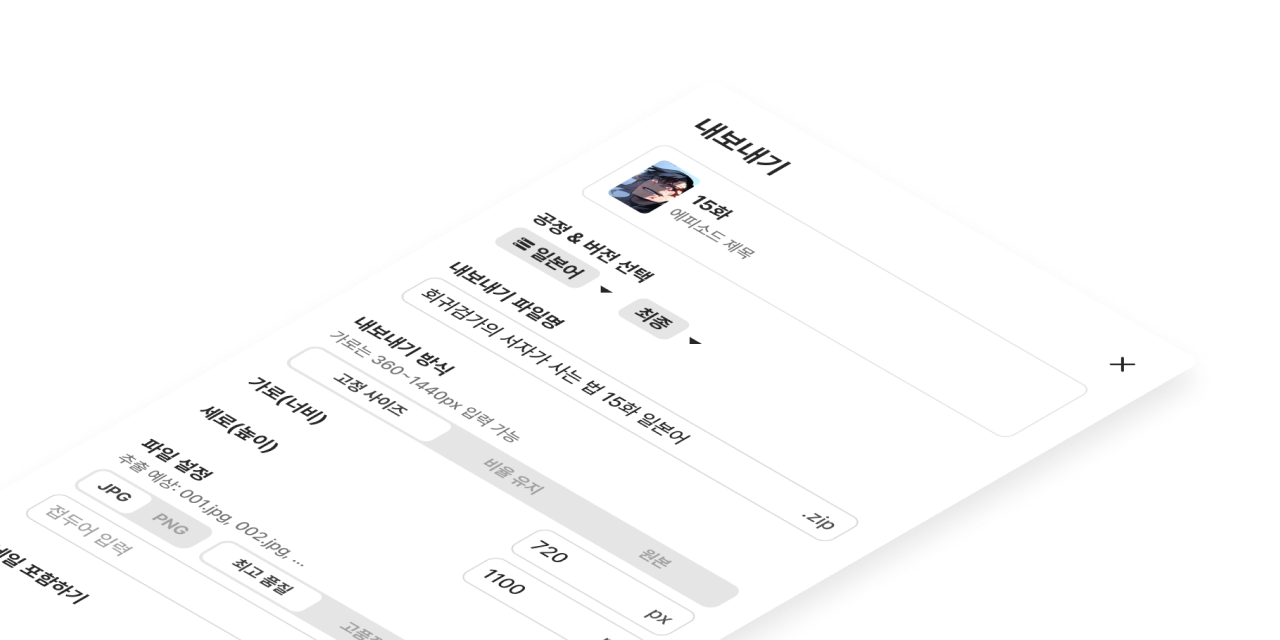
Export and download in various formats
Freely choose from various file formats and resolutions to instantly save the optimal output for your work
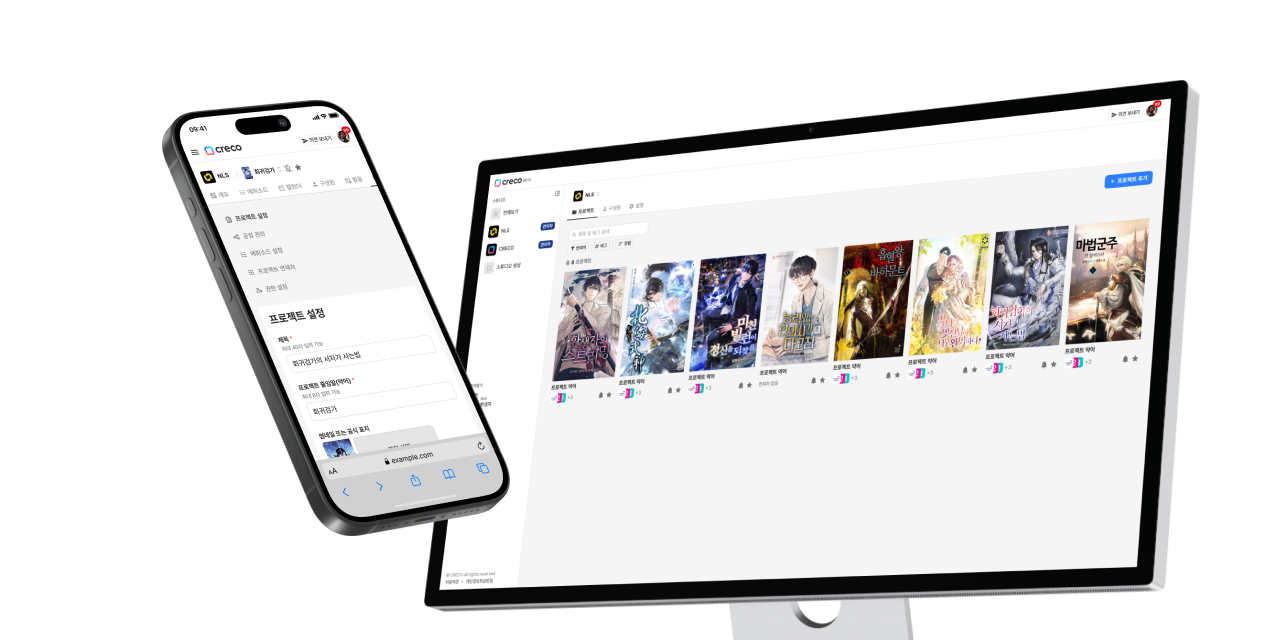
Responsive design from desktop to mobile
Optimized screens for every device let you keep working seamlessly anytime, anywhere
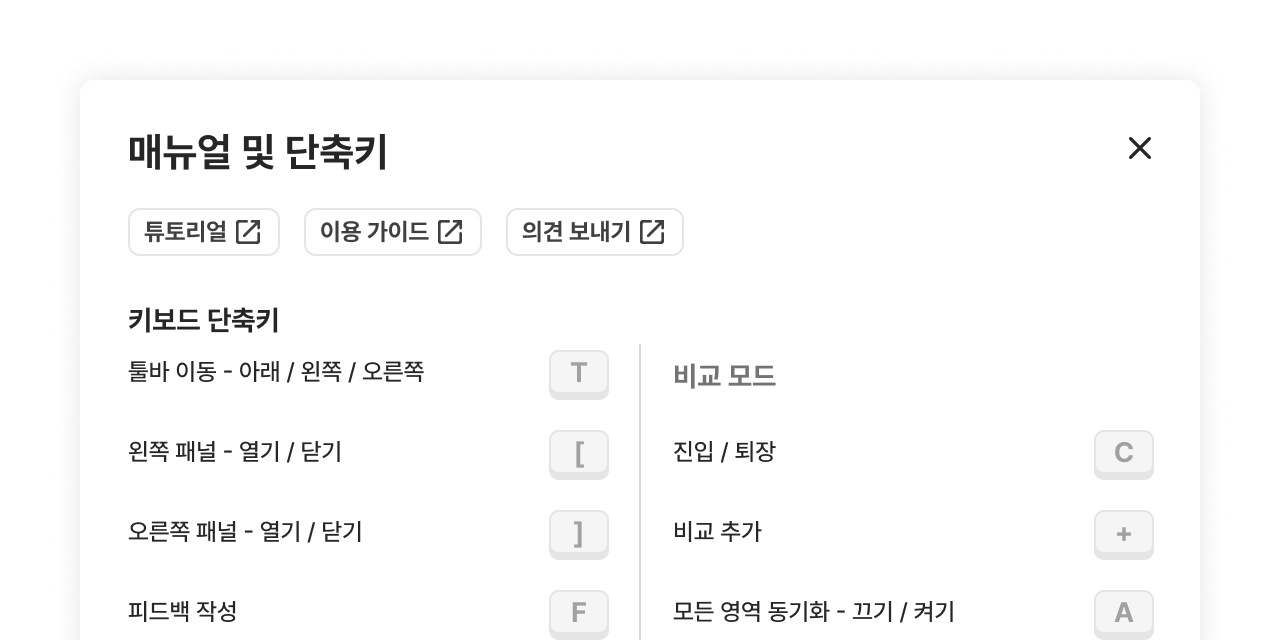
Fast actions with keyboard shortcuts
Use a powerful shortcut system to reduce repetitive tasks and work faster and more efficiently like a pro
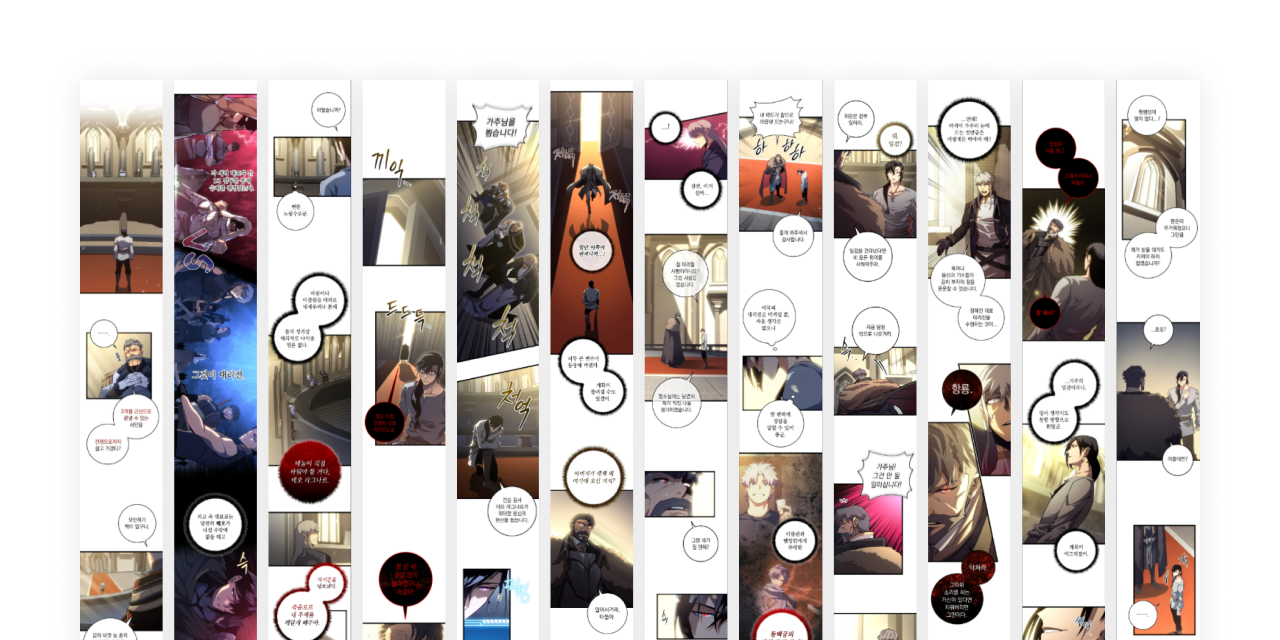
Landscape mode for the full picture
A dedicated landscape layout lets you easily grasp the overall flow of an episode at a glance
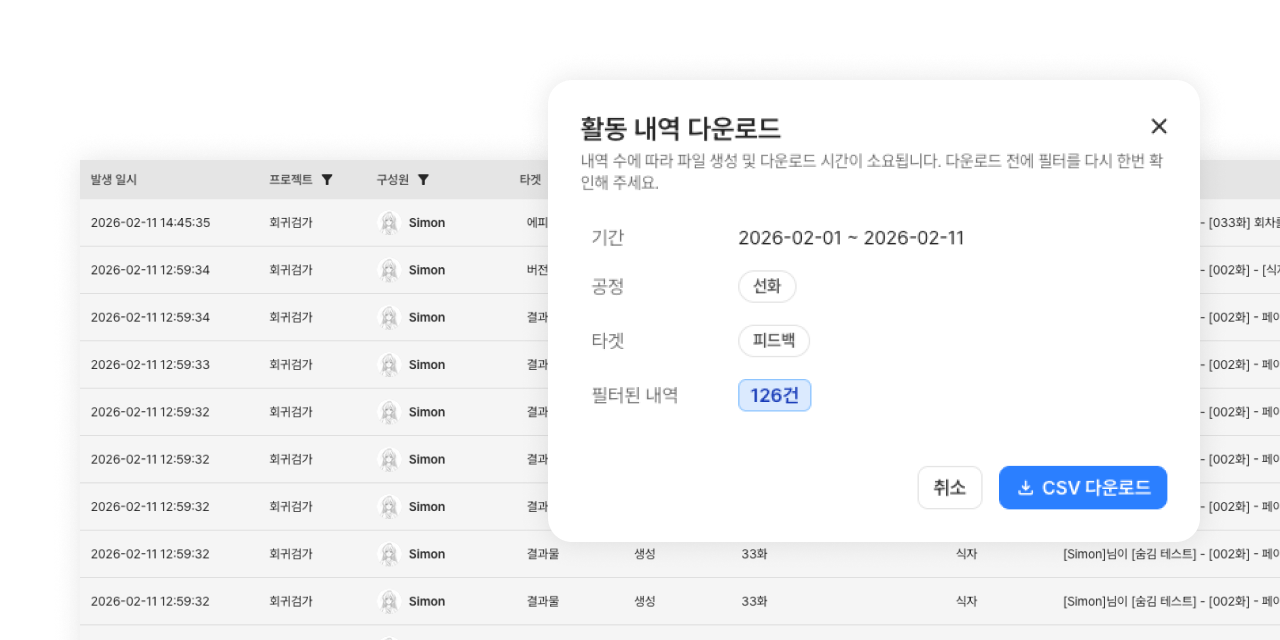
Activity logs for performance tracking
Record every activity to objectively track progress and systematically manage your team's performance
FAQ
Frequently asked questions
Please assign a seat to that member under Workspace > Plan. Only the workspace owner and admin can assign seats. If no spare seat is available, you can assign one after adding seats.
If you apply now, the cost of the added seats is prorated for the remaining subscription period.
Seats already assigned to members cannot be reduced right away, so please first unassign those members' seats or clean up their subscription status before scheduling.